How to Buy E-Gift Cards from Kascards
The purchasing process at Kascards is designed to be fast and smooth. Once your balance is topped up, you can get your favorite card within seconds.
-
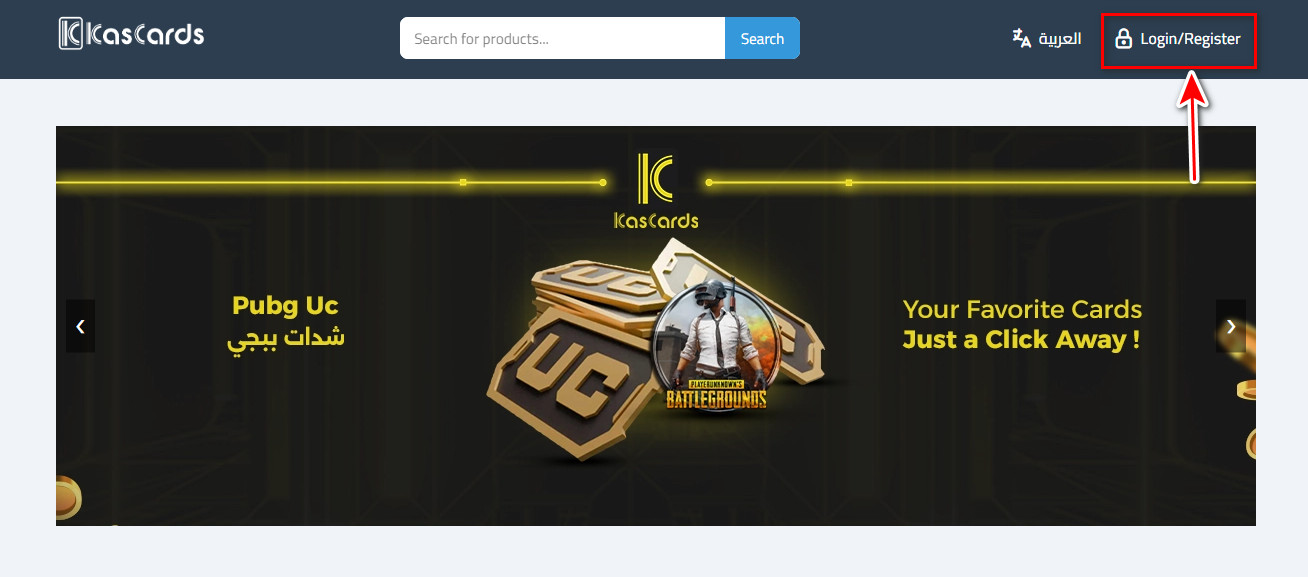
Visit the official website: Start by opening your web browser and navigating to the official Kascards website.
Log in to your account: If you already have an account, log in using your email and password. If you’re a new user, create a new account.
-
Make sure you have a sufficient balance: Before starting the purchase process, ensure that your Kascards account has enough balance. If not, you can top up your account using the available payment methods on the platform.
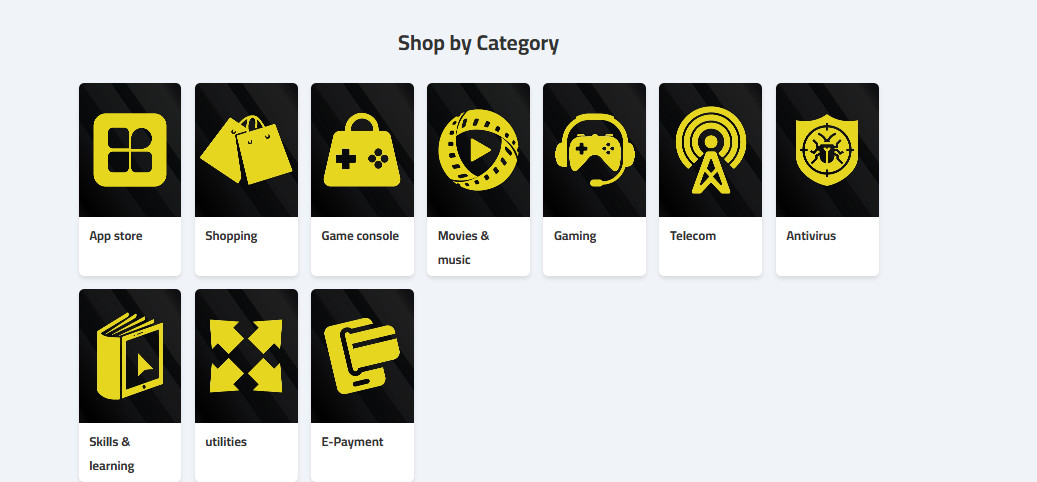
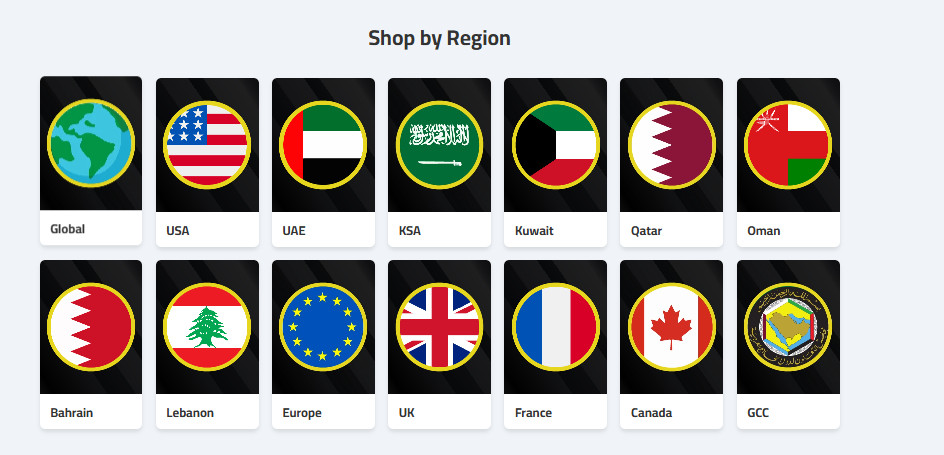
Browse by category or geographic region: You can select the card you want by browsing through categories (such as games, music, stores, apps)or by geographic location (such as Saudi Arabia, UAE, USA, Europe… etc.). This option helps you easily find the card that best suits your needs.
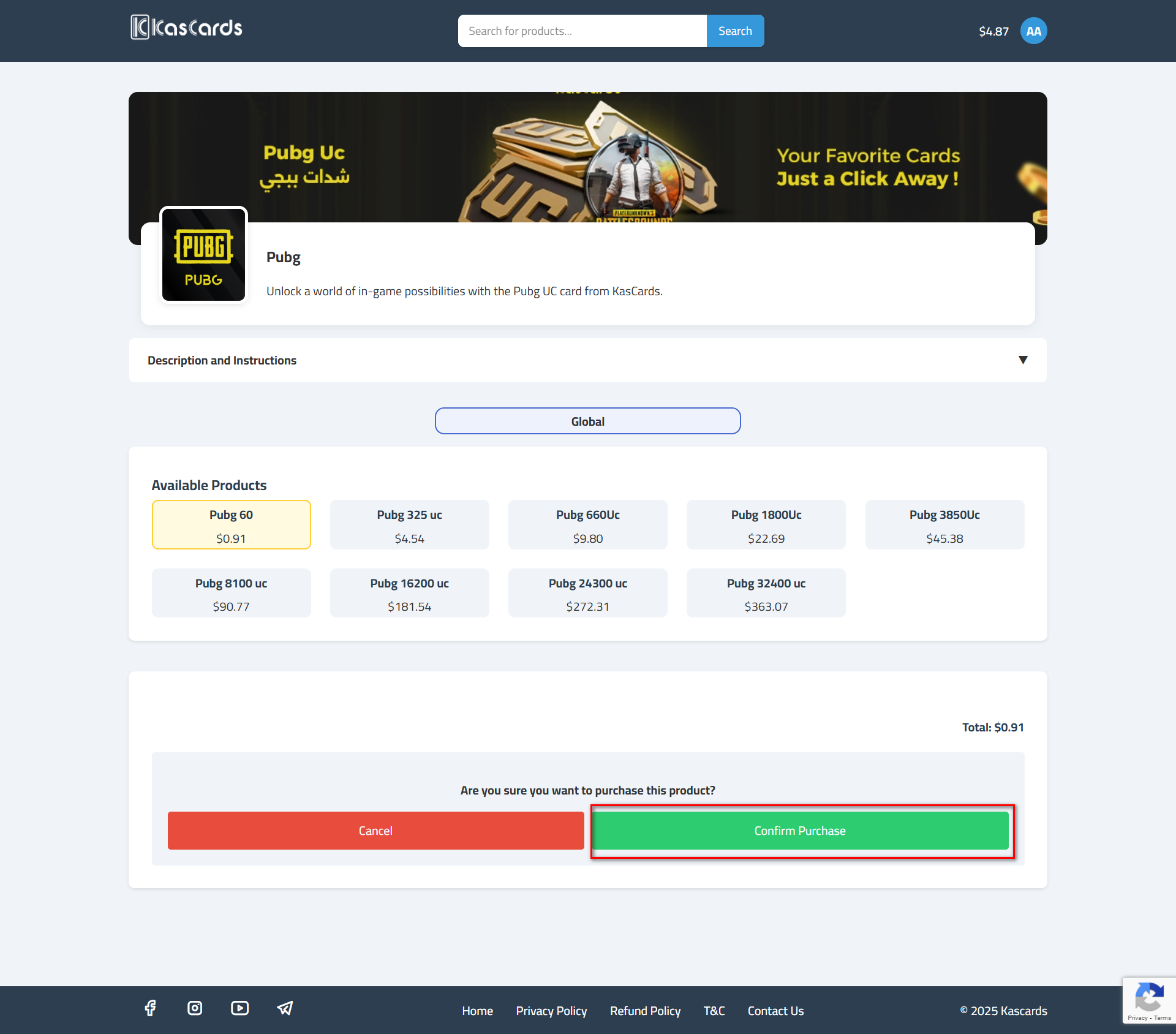
**Click “Buy” and confirm the purchase:**After selecting the desired card, click the “Buy” button,
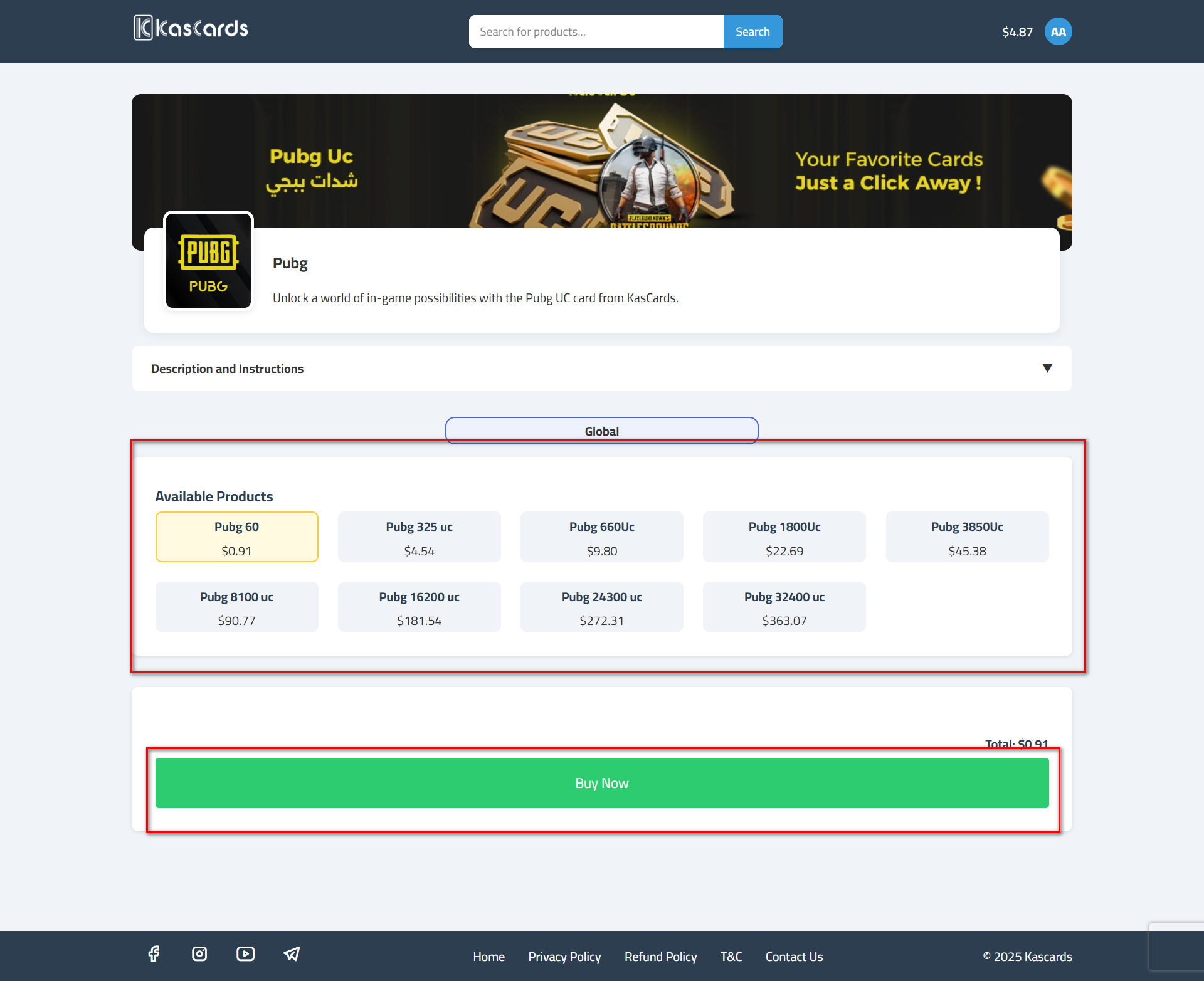
and a window will appear asking you to confirm the transaction. Here, you can review the purchase details and then click Confirm.
-
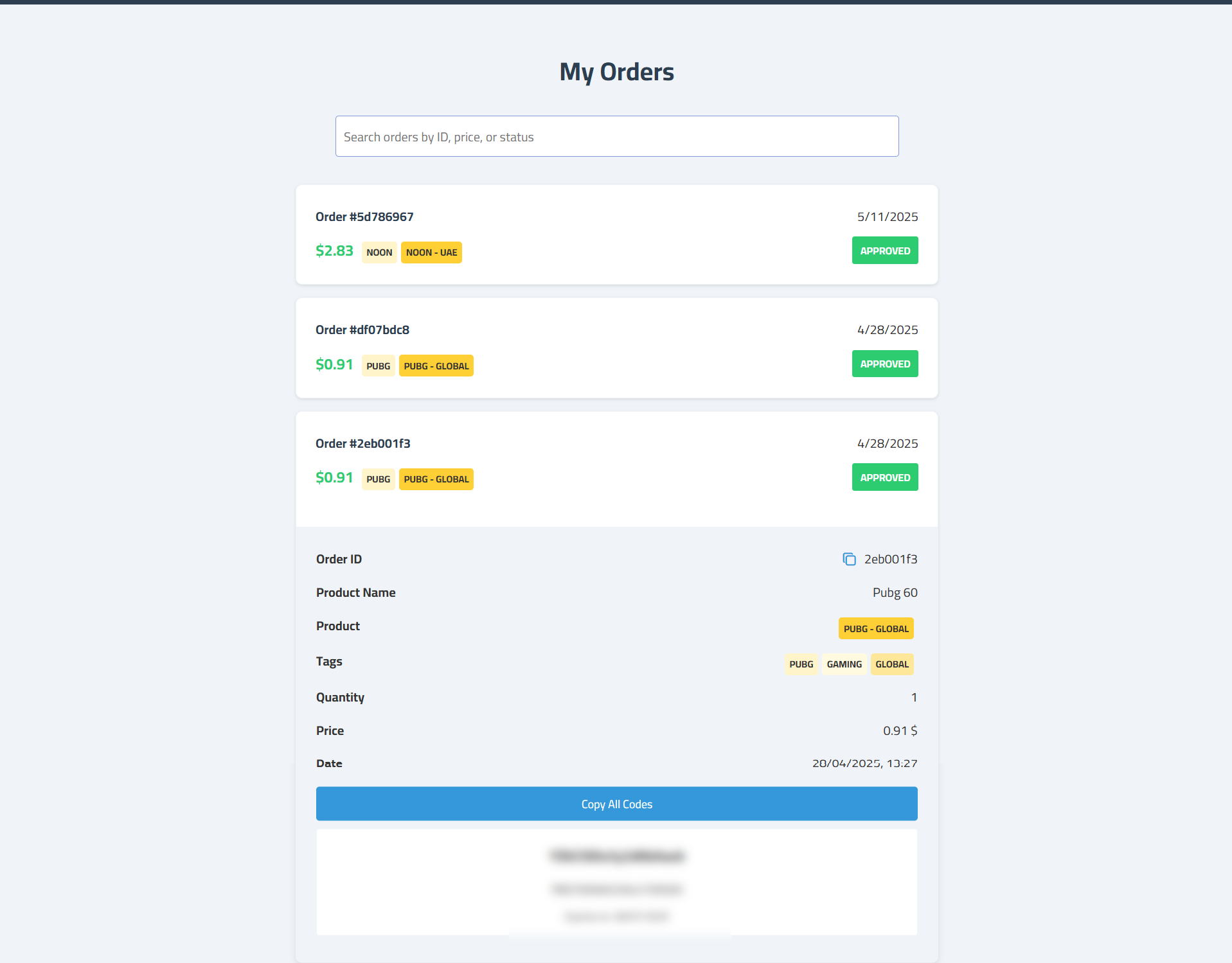
Once confirmed, you’ll automatically be redirected to your orders page at the following link, where you can track the status of your order.
-
On the orders page, your card will appear with the status “Approved,” which means the purchase was completed successfully.
You can click on the order to view the card details, including the unique code, which can be used to activate the balance in the selected store or service.
Related Articles
How to Create a New Account on Kascards?
To start buying cards and using your cryptocurrency balance, you must first register an account on the Kascards platform. The process is easy and takes less than a minute. Follow these simple steps to create your account and start buying gift cards ...What Payment Methods are Available on Kascards
Kascards primarily relies on Stablecoins to provide a global, fast, and secure payment method for all users without the need for bank cards. Primary Supported Currency: We exclusively accept payments in USDT (Tether), a stablecoin pegged to the value ...How to Top Up Your Kascards Balance
To purchase cards, you first need to top up your Kascards account balance. We support crypto payments (USDT) via multiple networks to save you transaction fees. Open the official Kascards website and log in using your email and password if you ...How to Track Your Orders on Kascards?
Once your purchase is confirmed, you will be automatically redirected to your Orders Page, where you can track the status of your order. Follow the steps below to access your purchase history, check order status, and retrieve your card code: Order ...